
If you’re a SaaS company, popup software is the tool you need. With the help of this tool, you can get the attention of users, generate more leads, and increase your sales. A well-designed pop-up can help people explore your offer and nudge them to move forward if they’re still between two minds, creating fast and measurable wins.
The key is, the popup must be done right. A popup that’s once been considered irritating, for which even an inventor of popups said: “I’m sorry”, can work wonders if it addresses the user intent and pop ups timely, without getting in the way all the time.
In this article, we’ll take a deep dive into the most popular popup software for high-converting SaaS popups that are worth considering in 2026. We’ll compare them side-by-side, break down how each of them stands out, and share tips on how to choose the right one for your needs.
Table of Contents
Why Popup Software Matters for SaaS Websites
The SaaS bounce rate is rather high on average, with successful companies typically holding around 40%-55%. Anything higher than that is already a sign that 2 minutes were not enough for people to decipher your product’s value. That’s where a popup can do a trick.
A timely popup with clear visuals can close the gap between interest and action. It can direct people to next steps that most visitors would otherwise not look for on the website, whether it’s a sign up or a book consultation button.
More importantly, popup can capture leads, and they can do it no worse than ads without adding up to your budget. That makes it valuable during tight marketing cycles. When people are on the fence or just about to click on the X button, a popup can serve as a kind reminder and bring their focus back.
How Popup Software Supports the SaaS Funnel
SaaS funnels aren’t straightforward. Users rarely take action right away. Most often, they’d go to at least a dozen websites to compare features and pricing before making a commitment. That’s where a popup that appears at the right stage and with the right message can help with decision-making.
Early funnel popups are usually about capturing the interest and explaining the value of the service or product. Their focus is on education. Mid-funnel popups serve to encourage demos or trials, and late funnel popups create a sense of urgency and reduce friction. At this stage, reducing friction in how information is collected becomes just as important as the offer itself. Many teams move toward more structured ways of handling onboarding and follow-ups, using tools that help centralize client communication and requests so key details don’t get lost across scattered emails or incomplete submissions.
A good popup also adapts to user behavior. If it’s a new visitor, it should show a message with onboarding tips or guides, while for returning visitors, the message should be changed to upgraded offers.
At the same time, many SaaS teams are expanding beyond on-site conversion tactics and investing in channels that bring in qualified users before they even reach the site. This often includes strategies like scaling acquisition through partnerships, where companies work with creators, customers, or niche communities to generate consistent, high-intent traffic that complements their existing funnel.
How to Choose a Popup Software: Core Features
Not all popup software is suitable for SaaS workflows. In SaaS, you need more control and more features to guide users smoothly across long funnels. Here are the key features a good popup software for SaaS should have:
- Visual drag-and-drop builder for creating and editing popups without coding;
- Ready-made templates for collecting emails, registering for a demo, announcing new features and upgrades;
- Smart visitor targeting for customizing popup display based on user behavior, traffic source, device type, etc;
- Built-in analytics for tracking impressions, clicks, conversion rates, and collected leads;
- Revenue attribution for connecting popup campaigns to trials, upgrades, or purchases;
- Mobile-optimized popups to target mobile visitors;
- A/B testing tools for comparing layouts and triggers using real performance data;
- Goal tracking features for checking your progress toward achieving lead, signup, or revenue goals;
- Native integrations with email platforms, CRMs, analytics tools, and product stacks.
Some more advanced popup software may come with additional functionality, including but not limited to, cart-based targeting, dynamic discount codes, product-specific messaging, as well as interactive quizzes that adapt to user actions.
As you can see, the variety of features available in popup software is quite diverse. So before you make a choice in favor of any software, make sure to get clear on what goals you want to pursue in terms of your marketing campaign and how much control you want over customization. This will help you narrow down your choice to the best one.
Top 10 Popup Software Tools for SaaS
Below is a quick breakdown of the best popup software for SaaS business in 2026. We’ve put together the key features of each software so you can see their strengths at a glance.
| Tool | Best For | Targeting & Segmentation | A/B Testing | Integrations | Ease of Use | Key Strength |
| OptiMonster | Lead gen & exit recovery | Advanced behavioral targeting | Yes | Extensive CRM & email | Medium | Deep automation & triggers |
| OptiMonk | Multi-step personalization | Smart visitor segmentation | Yes | CRM & analytics tools | Easy | AI personalization & templates |
| Poptin | Quick setups on budget | Basic behavioral targeting | Yes | Popular email & CRM | Easy | Fast launch & affordable price |
| Wisepops | Personalized onsite campaigns | Strong audience segmentation | Yes | Marketing automation | Medium | Multi-format campaigns |
| Sleeknote | UX-focused SaaS | Device & behavior rules | Yes | CRM & email platforms | Medium | Smooth UX and deep control |
| Hello Bar | Lightweight site-wide CTAs | Referral and location targeting | Yes | Email & CRM | Easy | Minimal but effective messaging |
| Getsitecontrol | Popups + surveys | Behavioral + feedback targeting | Limited | CRM & automation | Medium | Feedback loops with popups |
| Unbounce Popups | Campaign & paid channels | Campaign-level targeting | Advanced | CRM & ad tools | Medium | Testing & optimization |
| Popupsmart | Performance & speed | Device & behavior targeting | Yes | Major marketing apps | Easy | Lightweight performance scripts |
| ConvertBox | Deep personalization | Conditional targeting rules | Yes | CRM & email platforms | Medium | Branching campaigns & logic |
Now let’s look at them more closely and dive into details.
OptinMonster
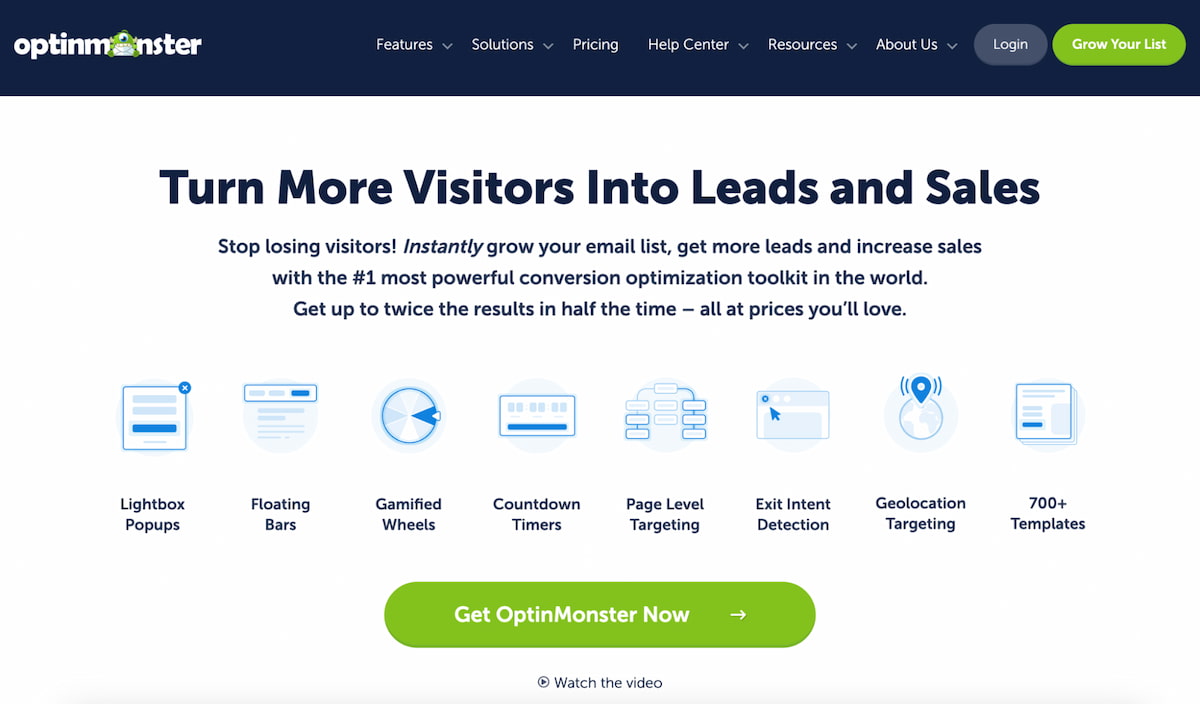
OptinMonster is one of the best popup software platforms for SaaS businesses looking to automate their marketing campaigns. The tool is widely used by SaaS teams and marketers to capture emails, return visitors, and boost conversions across different pages.
The key advantage of OptinMonster is how powerful and, at the same tim,e user-friendly the tool is. You don’t need to be a tech geek to get the knack of its advanced functionality. Everything is pretty intuitive and easy to use out-of-the-box.
When it comes to OptinMoster’s core features, it has quite a lot to offer. It supports a wide range of campaign formats, including lightboxes, slide-ins, floating bars, full-screen overlays, and even spin-to-win wheels, making it easy for marketers to customize their campaigns.
However, one of the biggest strengths of the tool is its exit-intent technology. It allows the tool to figure out when exactly a user is about to leave and trigger a popup just in time to make them stay longer and read your message. As a result, it helps dramatically increase engagement rates.
Key features:
- Advanced behavior targeting based on scroll depth, idle time, referral source, and page visits;
- Exit-intent technology to recapture abandoning users;
- Visual drag-and-drop builder for custom layout creation;
- A/B testing to compare campaign performance;
- 700+ templates for quick setup;
- Seamless integrations with email, CRM, and analytics tools.
OptinMonster is without a doubt one of the most powerful and feature-rich popup software. It’s especially useful for SaaS companies monitoring metrics like trial starts, lead capture quality, and segment-specific engagement. At the same time, for smaller teams, the advanced set of features that the tool offers might seem a bit more than they need.
OptiMonk
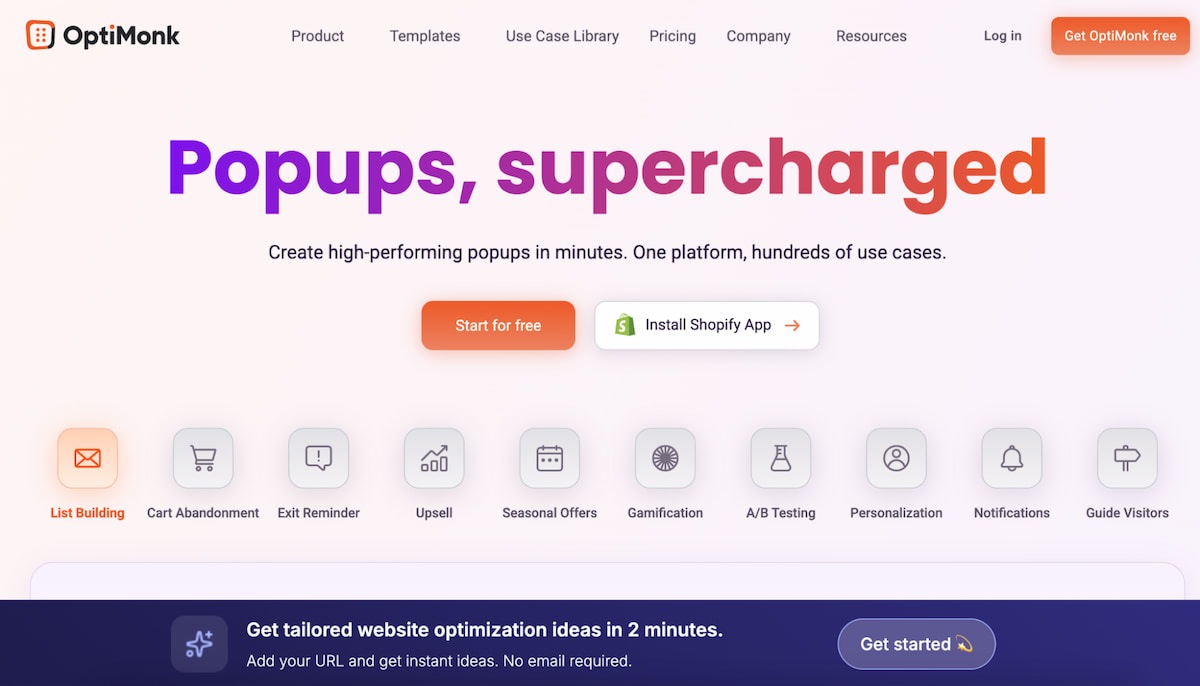
Another major player that deserves a spot on this list and is often recommended alongside other popular popup software solutions is OptiMonk. What makes this tool special is a combination of a large template library, AI features, and multi-step engagement workflows. This makes it particularly useful for eCommerce teams.
Having said that, OptiMonk is just as loved by SaaS as by eCommerce. A wide array of editing tools, along with an option to tweak display rules, makes it perfectly suitable for SaaS workflows needing personalization and automation.
OptiMonk has a free plan, allowing new users to get to know its functionality. It offers a wide range of popup types, including gamified experiences like “spin-to-win” wheels, which can increase visitor interaction without being overly aggressive. The targeting rules are unlocked in a free plan as well, so marketers can play with the popup display settings.
Key Features:
- 300+ templates optimized for different goals;
- Drag-and-drop builder with no coding required;
- AI Assistant and personalization to customize popups per visitor profile;
- Multi-step campaigns for deeper engagement;
- Exit-intent and smart triggers to boost performance;
- Mobile-optimized displays for better mobile conversions.
By and large, OptiMonk is one of the best popup software in this price range. It offers flexible pricing plans to suit different business needs. However, even a free plan is pretty big on features, making it ideal for startups and early-stage SaaS products looking to boost their campaigns.
Poptin
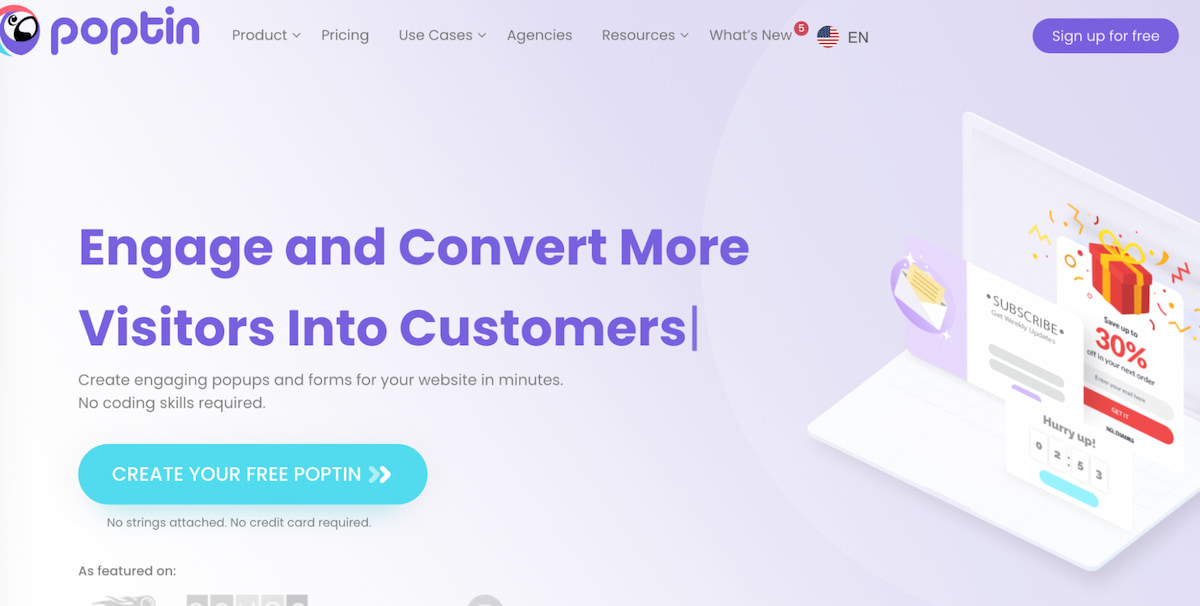
Many marketers and SaaS companies opt for Poptin, a tool widely recognized for its ease of use. Even if you’ve never built campaigns before, picking it up doesn’t require any learning curve. You can set it up in minutes, thanks to its user-friendly drag-and-drop editor and a library of predesigned templates.
The core focus of the tool is on helping teams generate leads, reduce bounce rate, and increase engagement through visually appealing popups and forms. What many marketers love about it as well is that it supports A/B testing and basic analytics, making it easy to refine campaigns as you go.
Poptin offers a free and a paid plan, allowing new users to test its environment and decide whether they want to upgrade or not.
Key Features:
- Free-form drag-and-drop editor for easy design;
- Templates optimized for email capture, promotions, and exit popups;
- Smart triggers and display rules for timing control;
- Advanced targeting options based on behavior and traffic source;
- Built-in A/B testing and real-time analytics;
- Wide integrations with email and CRM platforms.
To cut to the chase, if you’re looking for an easy-to-use tool that’s not lacking in features, Poptin can be just the right popup software for you.
Wisepops
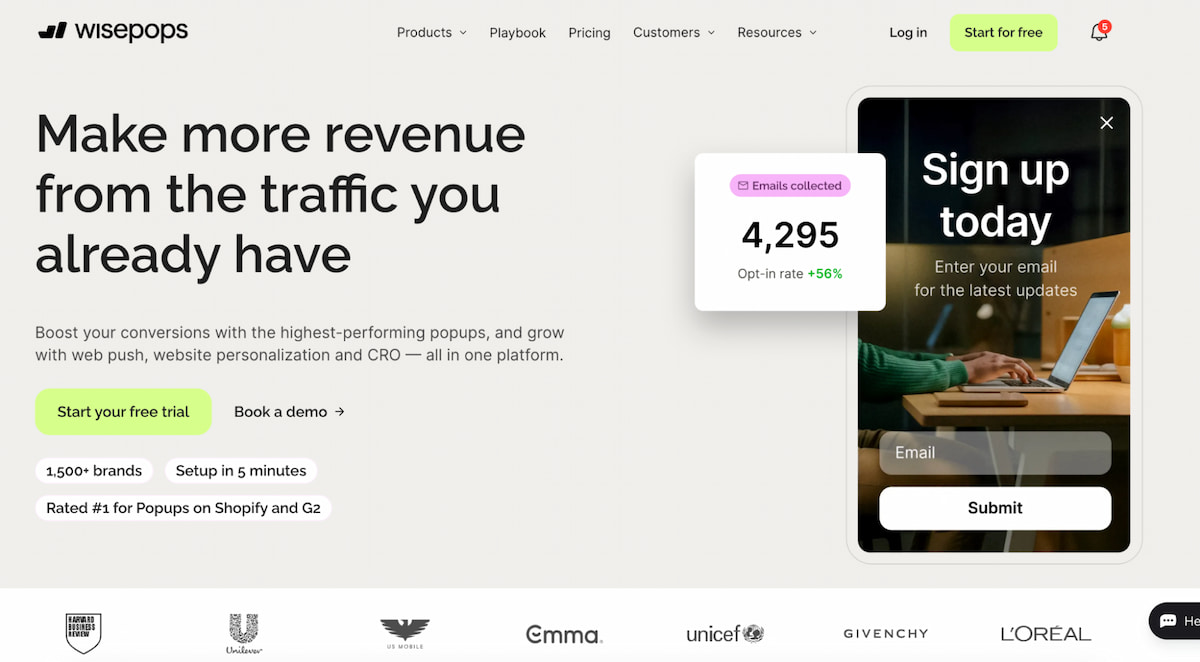
If you’re looking for software that offers more than just popups, Wisepops may pique your interest. In addition to visually appealing popups, this tool supports banners, embedded content, and multi-channel onsite campaigns. For SaaS teams that want to keep their message consistent across different pages, Wisepops fits the bill.
When it comes to popups, Wisepops doesn’t trail behind the competition. It offers an array of advanced features and display rules, providing companies with precise control over who sees what and when. This makes it easy to understand which campaigns perform best and take the right steps.
Key Features:
- Drag-and-drop editor for visual popup creation;
- Advanced rules and behavior triggers for segmented campaigns;
- Multiple popup types, banners, and embedded options;
- Strong analytics dashboard to monitor performance;
- Seamless integrations with analytics and CRM tools;
- Mobile-optimized displays for better cross-device reach.
Often priced higher than other popup software, Wisepops can be a great investment for larger SaaS businesses looking for an all-around tool that offers deeper campaign performance analysis and advanced customization options.
Sleeknote
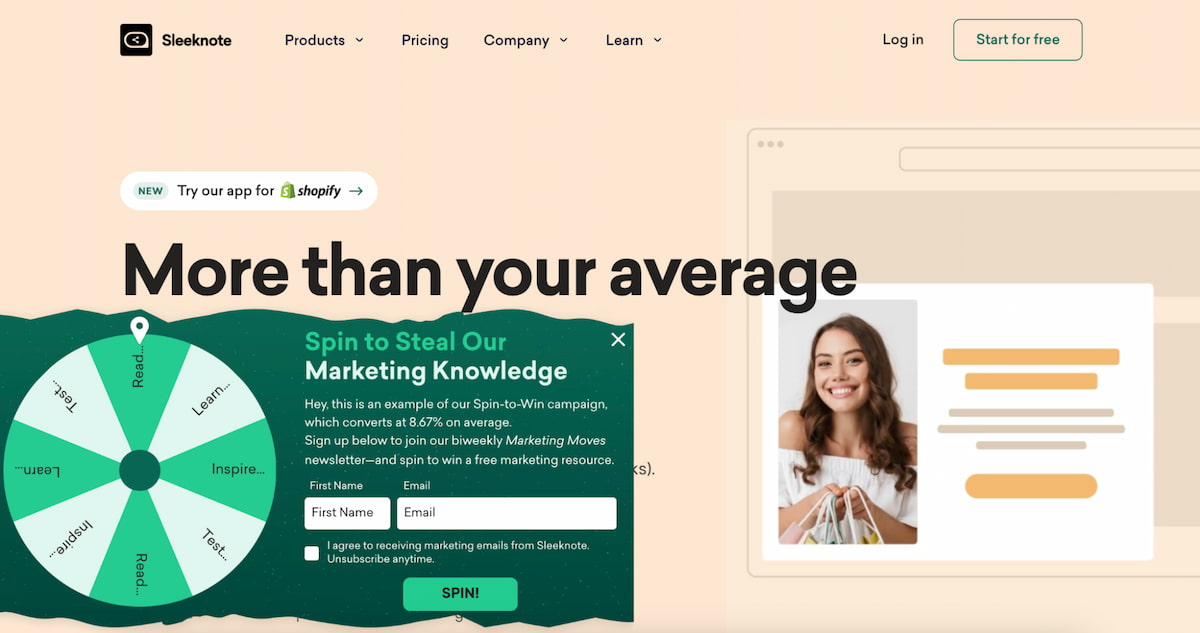
Sleeknote stands out with its elegant and intuitive interface. It focuses on quality user experience and segmentation. Unlike other simpler tools, Sleeknote gives marketers control over how and when messages are displayed. More importantly, it makes sure those messages perfectly align with the user journey without coming across as intrusive.
With Sleeknote, you get unlimited popups and sophisticated campaign tracking tools. This makes it particularly useful for teams that need to measure results across multiple goals or work with different audiences. Plus, you get an option to customize popup templates, ensuring a consistent and natural look rather than an irritating overlay.
Key Features
- Customizable templates with deep styling controls;
- Device and behavior-based targeting;
- Multi-step forms to guide engagement;
- Campaign performance tracking and reporting;
- Integration with marketing and CRM systems;
- Mobile-first design orientation.
For SaaS companies interested in thoughtful and user-friendly campaigns, Sleeknote may be a great choice. It’s less about aggressive popups and more about interactions that make sense and align seamlessly with user flow.
Hello Bar
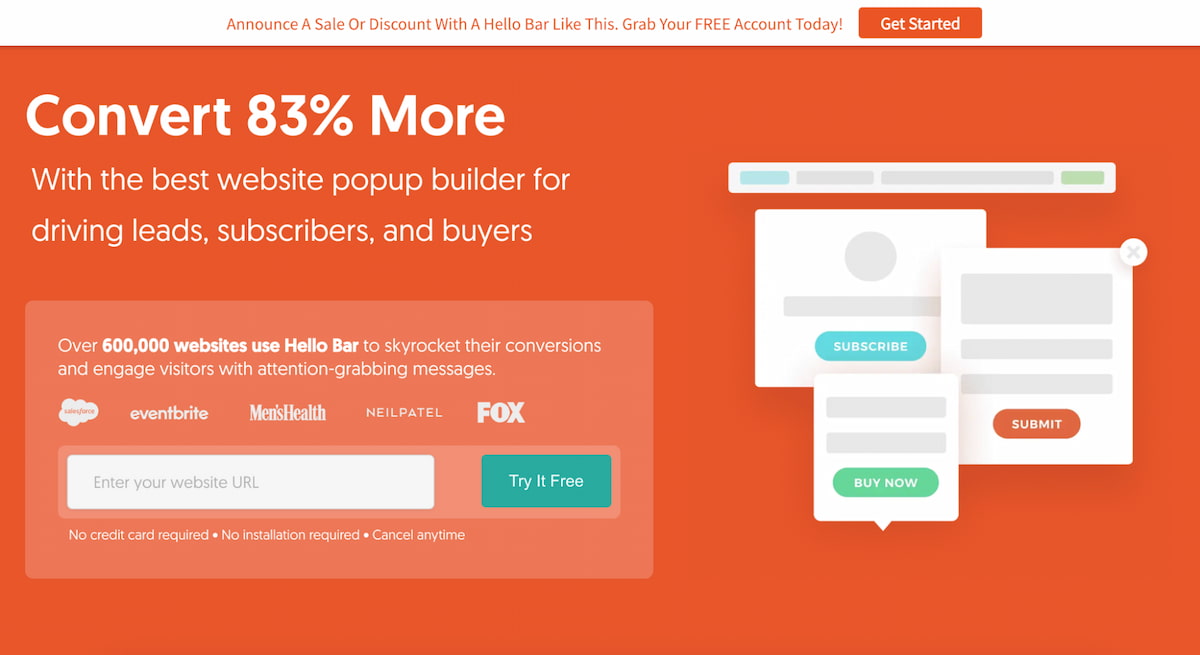
Hello Bar is one of the favorite popup software among SaaS teams that rely a lot on blog traffic. The tool supports not only popups but also bars, sliders, modals, and full-screen popups, all of which are easy to deploy across an entire website.
The variety of forms and popups that come included in the tool makes it particularly useful for content-driven websites. Instead of overwhelming users with aggressive popups, Hello Bar allows you to keep your message subtle, controlled, and timely. This makes it a great solution for teams that value reputation and are looking to build user trust.
Key Features:
- Drag-and-drop editor with simple layout controls;
- Targeting rules based on location, device, and referral source;
- A/B testing tools to optimize performance;
- Conversion tracking dashboards for campaign insights;
- Integration support for email platforms and CRMs;
- Quick global deployment across multiple pages.
While Hello Bar might not be the best software for SaaS enterprises that need multi-level segmentation, its set of features is more than sufficient for startups and lean marketing teams. It’s easy to use and adjust, and the setup takes mere minutes.
Getsitecontrol
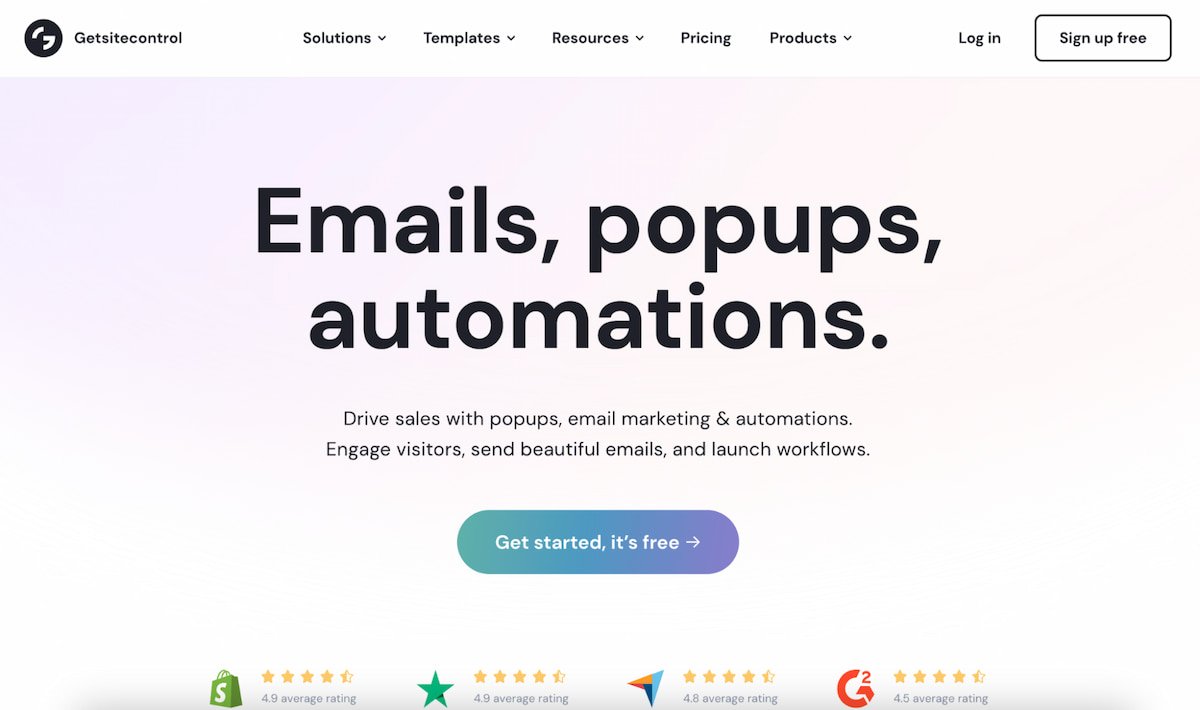
Getsitecontrol solution for SaaS popups
Getsitecontrol, as the name suggests, gives you complete control over your campaigns. It not only allows you to effectively generate leads but also gather customer feedback so you can adjust templates, refine wording, and improve funnels to better fit your unique goals.
Getsitecontrol supports a wide library of predesigned popup templates that can be further optimized to suit different campaigns. In addition, it supports surveys, contact forms, and embedded widgets. This makes it especially valuable for SaaS companies focused on product-led growth.
Key Features:
- Customizable popups, slide-ins, and bars;
- Survey and feedback widgets for gathering customer feedback;
- Behavioral and page-level targeting;
- Mobile-responsive templates;
- Performance analytics and reporting tools;
- Integrations with email, CRM, and automation tools.
Feedback loops are important for SaaS businesses looking to optimize flows across the site. Getsitecontrol gives you just that. It’s a flexible and customizable tool that offers more than just basic popup software.
Unbounce
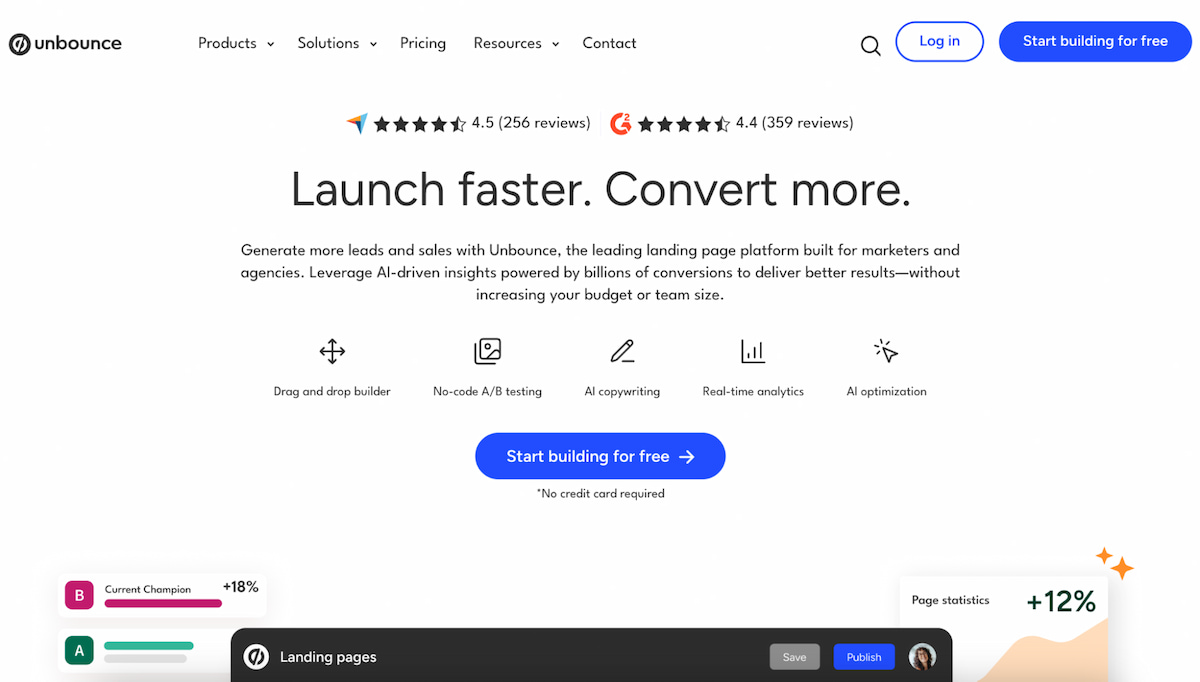
Unbounce is best known for landing pages, but it also includes a wide range of popup features, making it suitable for SaaS. It allows teams to build popups and sticky bars and tailor them to suit different ad campaigns and funnels.
Unbounce makes it clear that their main focus is on testing and performance optimization. SaaS marketers who run high-volume campaigns have access to unlimited customization options, allowing them to experiment with layouts and forms. Instead of relying on gut feeling, you can act on the results of solid, structured tests.
Key Features:
- Drag-and-drop campaign builder;
- Advanced A/B testing functionality;
- Smart traffic routing for optimized targeting;
- Behavior-based triggers;
- Conversion analytics dashboards;
- Integrations with CRM and email tools.
Unbounce is a great solution for teams that invest in ads and are looking to tie popups to specific campaigns rather than just showing it across their site. Its strength lies in its iterative, data-driven approach.
Popupsmart
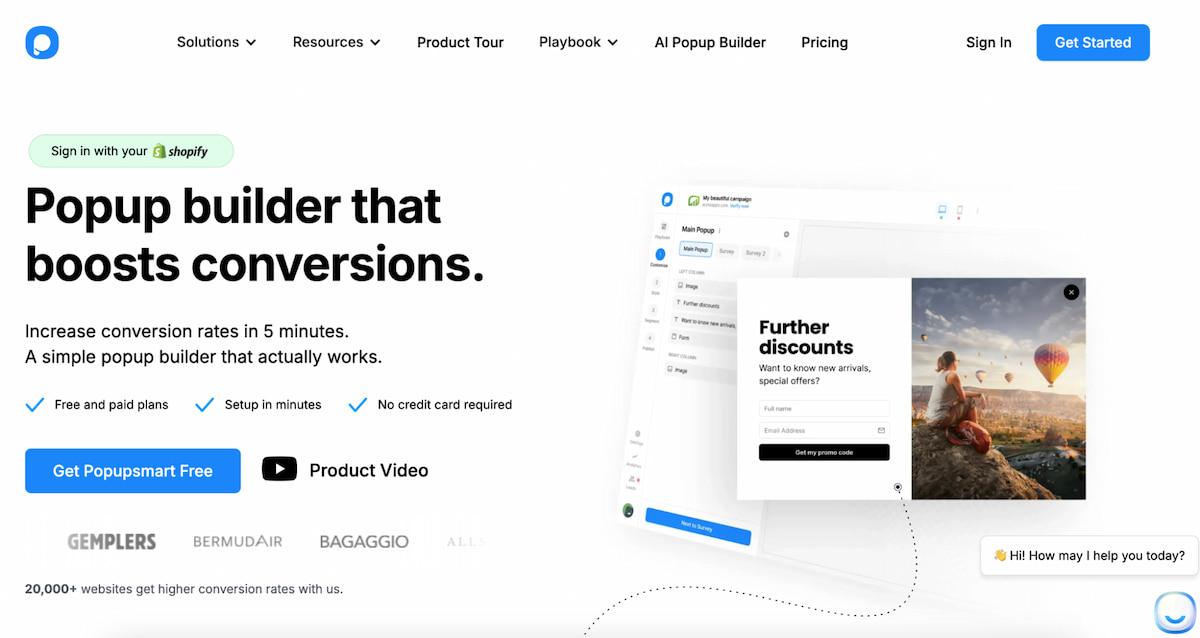
Popupsmart simple popup software solution
Popupsmart focuses on lightweight implementation and fast load speeds. This popup software avoids heavy scripts that slow down page performance. For SaaS companies concerned about SEO and user experience, that advantage matters.
The interface is clean and beginner-friendly. Campaign creation takes minutes rather than hours. While it does not overwhelm users with advanced features, it covers the essentials effectively.
Key Features:
- Pre-built responsive templates;
- Exit-intent and scroll triggers;
- Audience targeting by behavior and device;
- Real-time analytics tracking;
- Integration with major marketing tools;
- Mobile-optimized design compliance.
ConvertBox
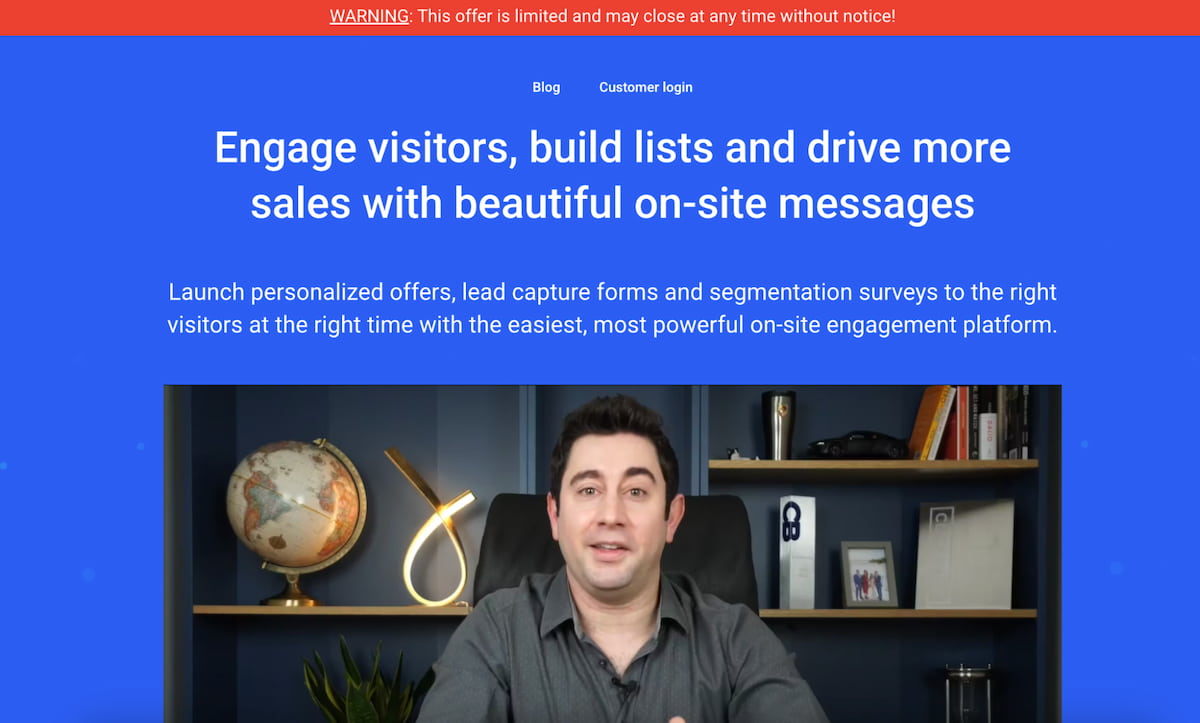
ConvertBox is popup software built for deep personalization and segmentation. It allows marketers to create conditional logic flows that adapt messaging in real time. This makes campaigns feel tailored instead of generic.
The tool supports dynamic content based on referral sources, visit frequency, and previous interactions. For SaaS companies serving multiple personas, that flexibility is powerful. Instead of one popup for all visitors, you can deliver precise messaging.
Key Features:
- Conditional logic-based targeting rules;
- Multi-step and branching popups;
- Drag-and-drop visual editor;
- Detailed performance tracking;
- Integration with CRM and email platforms;
- Custom segmentation for returning visitors.
ConvertBox requires thoughtful setup, but the payoff can be significant. When personalization aligns with funnel stages, conversion rates often improve. For SaaS businesses with segmented audiences, this popup software offers strong control and scalability.
Best Practices for High-Converting SaaS Popups
A popup is only useful when it matches user intent. If the message doesn’t align with the page content or shows up too early/too late, it won’t do anything to conversions. Worse than that, people may find it irritating and decide not to visit your site again. So, relevance should always come first.
Here are a few more rules to follow to ensure your popups are converting and smart:
- Use only one CTA per popup;
- Make sure the message of the popup blends naturally with the page context;
- Run A/B testing to figure out which headlines and offers work best;
Timing is another thing you should focus on. A timely popup is almost always more converting than just a well-designed popup.
Measuring Popup Software Success
Tracking conversions is only the first step. SaaS companies should also keep a close eye on bounce and engagement rates. These are the metrics that can tell you whether a popup helps or hurts.
Make sure to regularly do A/B testing. By testing your message, layout, triggers, and CTA, you can better understand which popups grab the most attention. A tiny adjustment to a popup can work wonders and lead to steady growth.
You should monitor analytics dashboards. Look for trends over time instead of short spikes. A quick spike may mean nothing if the overall trend is downward. Consistency is more important than one lucky campaign.
Conclusion
Popup software remains one of the most practical tools for SaaS growth. The best platforms balance relevance, timing, and ease of use without overwhelming visitors. Choose popup software that fits your funnel, test often, and focus on real user value rather than flashy tactics.